 Fern Player
Plays every video you own.
MKV, AVI, WebM, MP4, FLAC and more, straight from Photos and Files on your iPhone. Nothing to convert. Works offline.
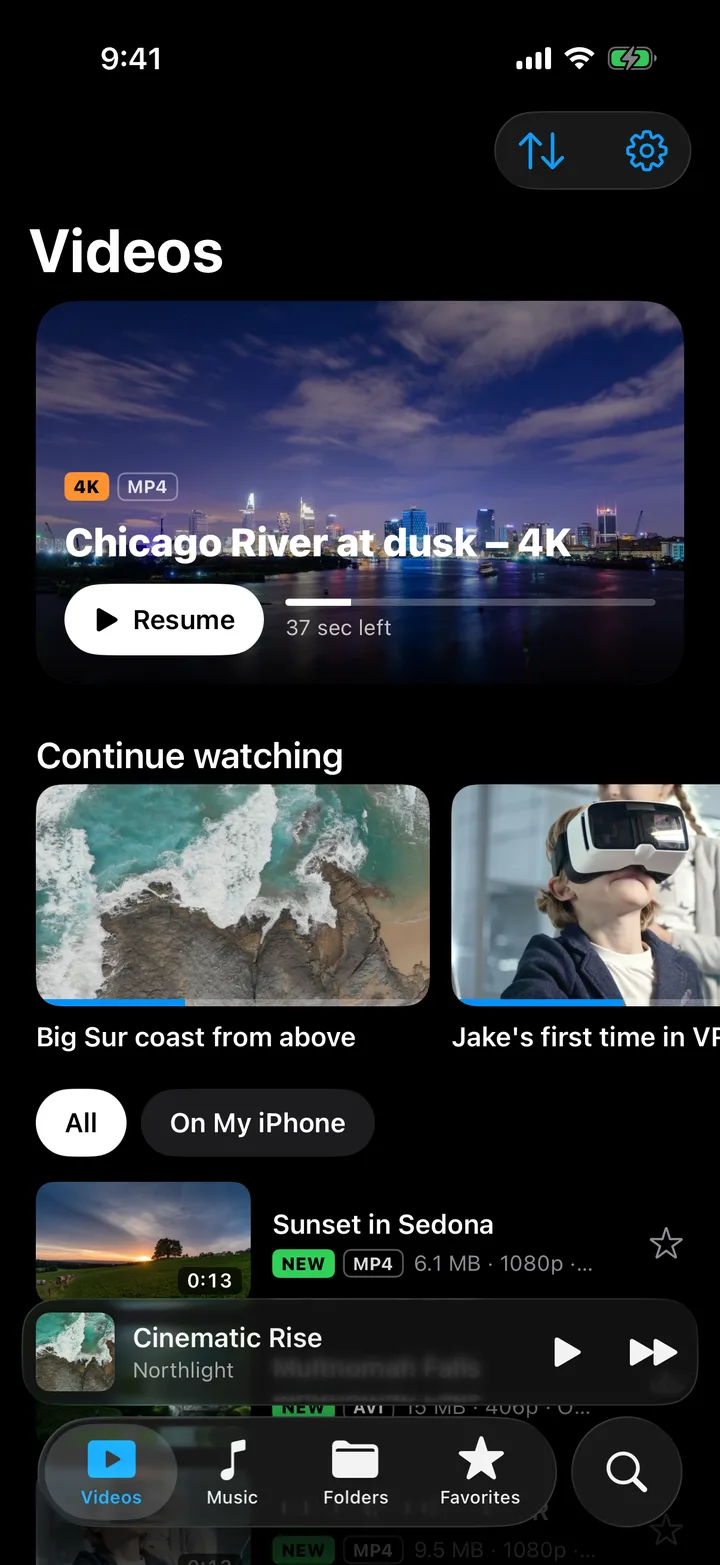
Just press play.
Controls stay out of the way until you need them. Everything else is a swipe or a tap.
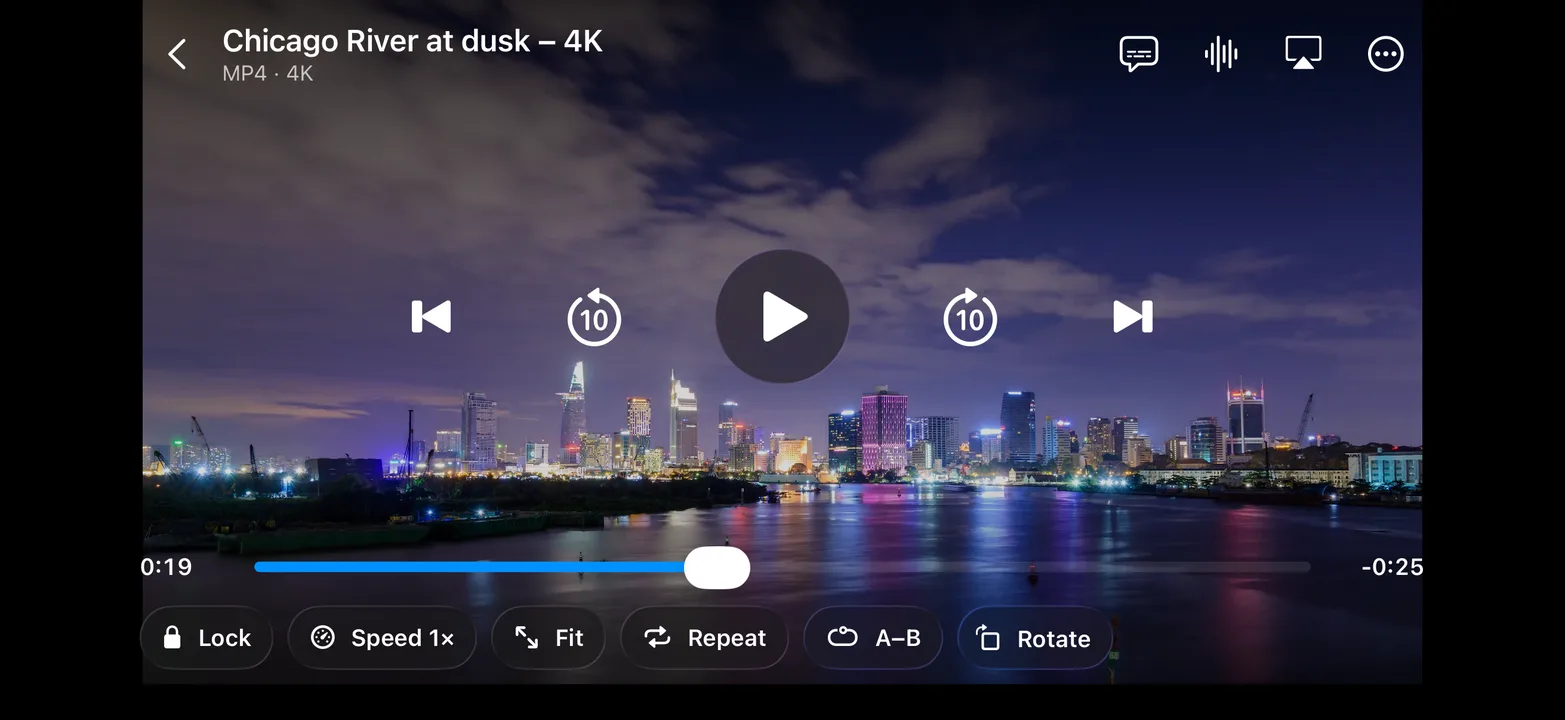
Small app.
Lots of buttons.
Everything a power user asks for sits one tap away, and stays hidden when you just want to watch.
Two decoders built in
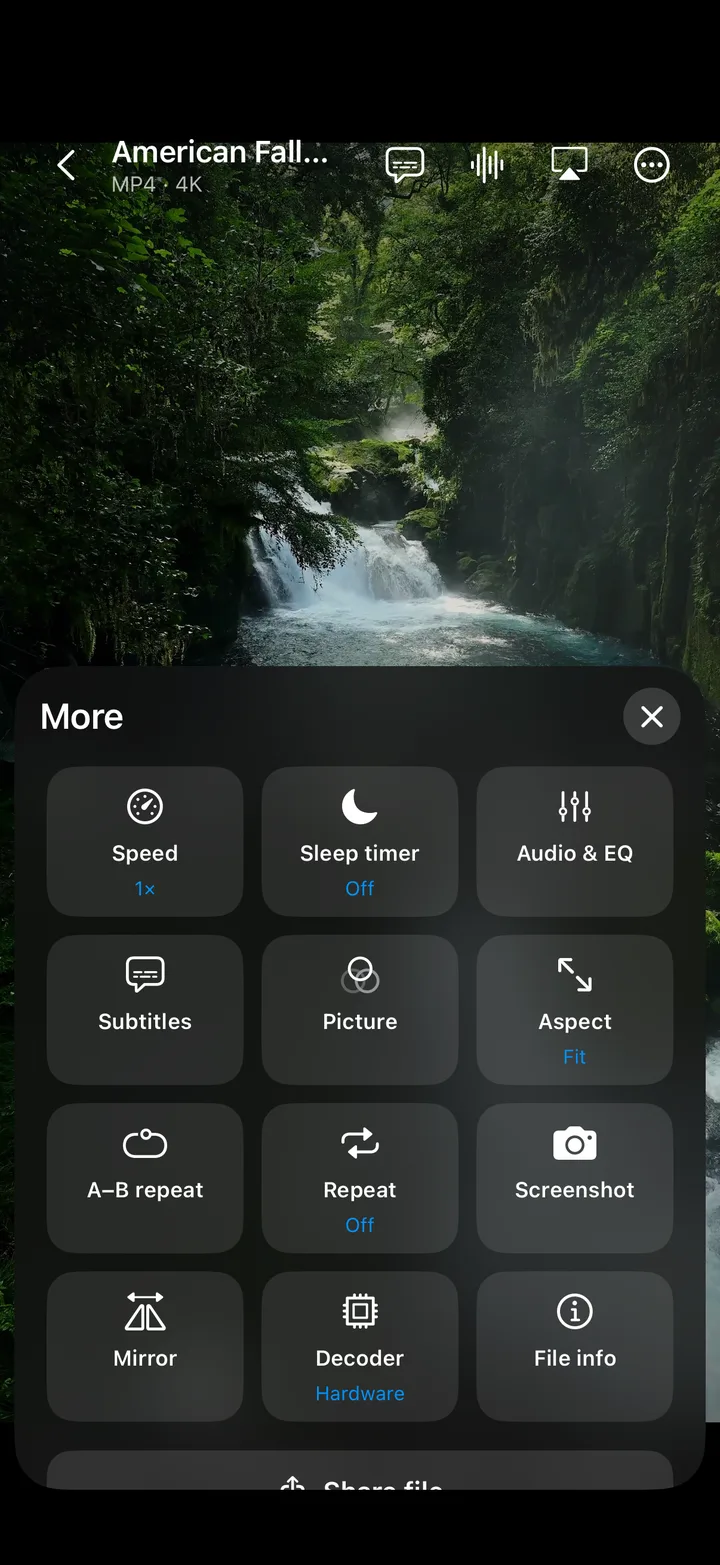
Apple's hardware decoder handles MP4 and MOV for smooth playback and long battery life. A software decoder takes care of MKV, AVI, WebM, WMV, FLV and the rest.
Subtitles and audio tracks
Switch languages, load SRT or VTT files, and set sync, size and color.
0.25× to 4× speed
Slow down a tutorial or speed through a lecture.
Picture in Picture
Keep an MP4 or MOV playing in a corner while you text.
Picks up where you left off
Every video remembers its spot, then plays the next one by itself.
Make the picture yours
Aspect ratios, brightness, contrast, saturation and mirror, all while the video plays.
Sleep timer, A–B repeat, screenshots
Fall asleep to a movie, loop a dance move, or save a frame to Photos.
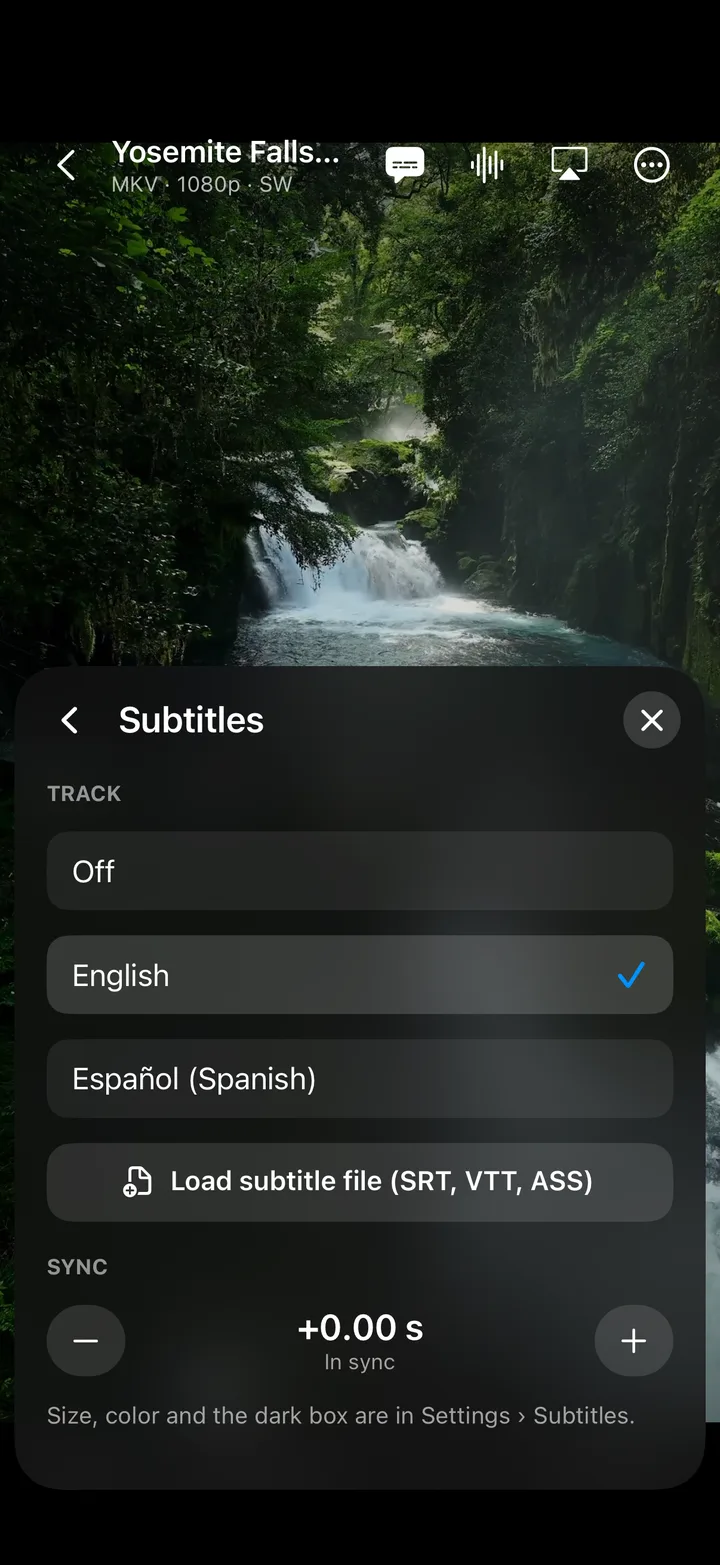
Watch it in the language you want.
Fern Player reads the subtitle and audio tracks inside MKV files and finds matching subtitle files in the same folder.
- Embedded or external. SRT and VTT, picked up on their own.
- Fix out-of-sync lines. Nudge subtitles earlier or later.
- Easy to read. Set the size and color you like.
- Switch audio tracks. Pick the language or the director's commentary.
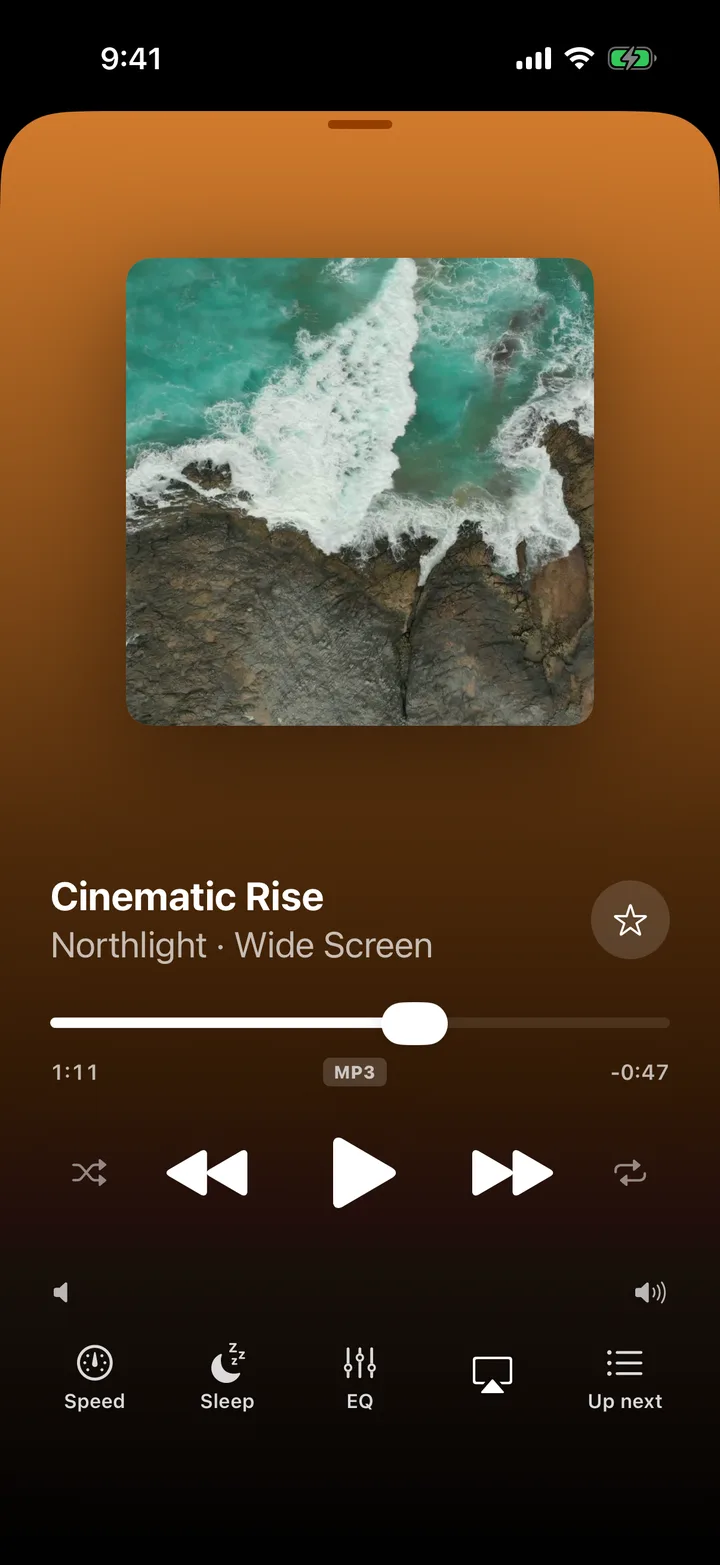
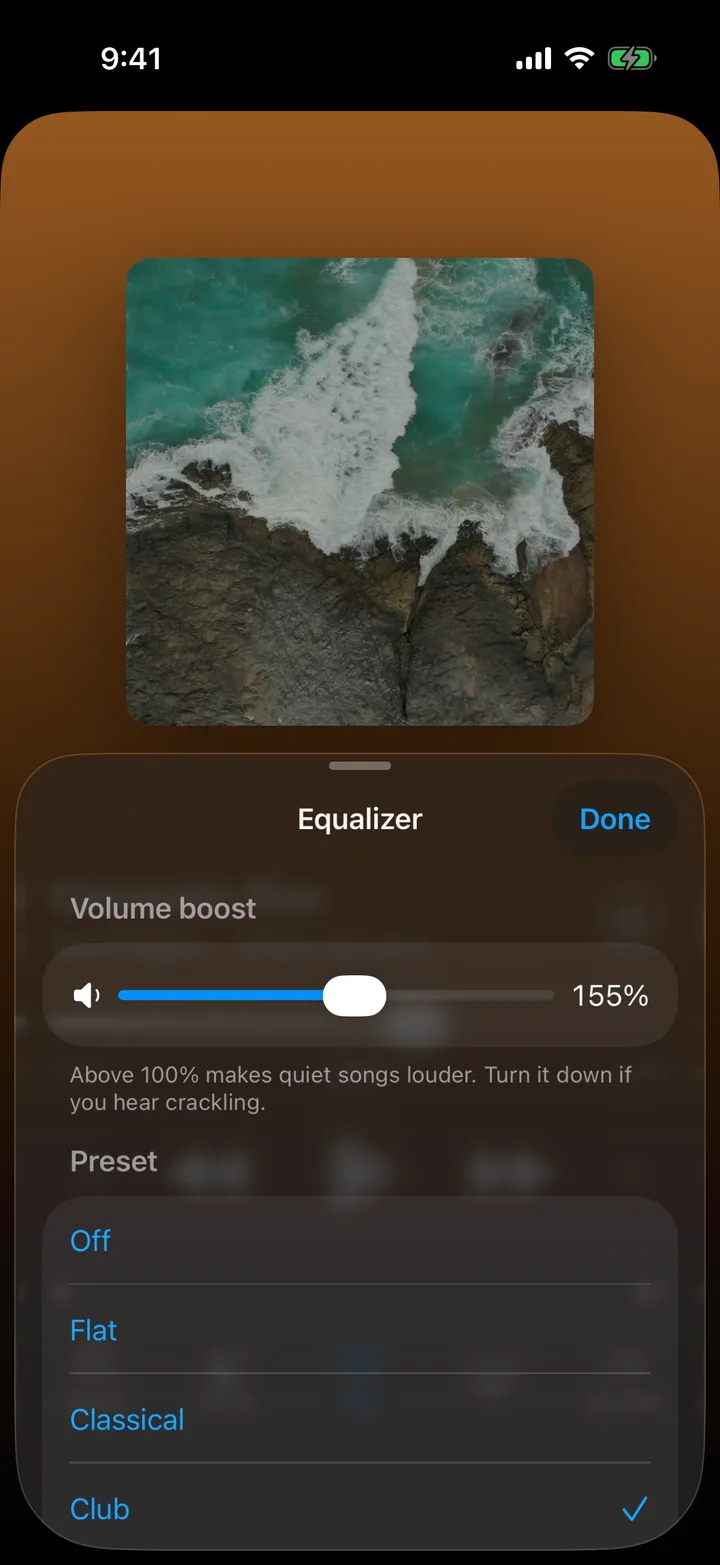
Your songs get a proper home.
FLAC, MP3, M4A, OGG and WAV, sorted into songs, artists, albums and playlists.
- Up Next queue. Play Next and Add to Queue from anywhere.
- Equalizer and 200% boost. For quiet songs and podcasts.
- Keeps playing with the screen locked. Control it from the Lock Screen.
- Artwork fills the screen. Every album looks the part.
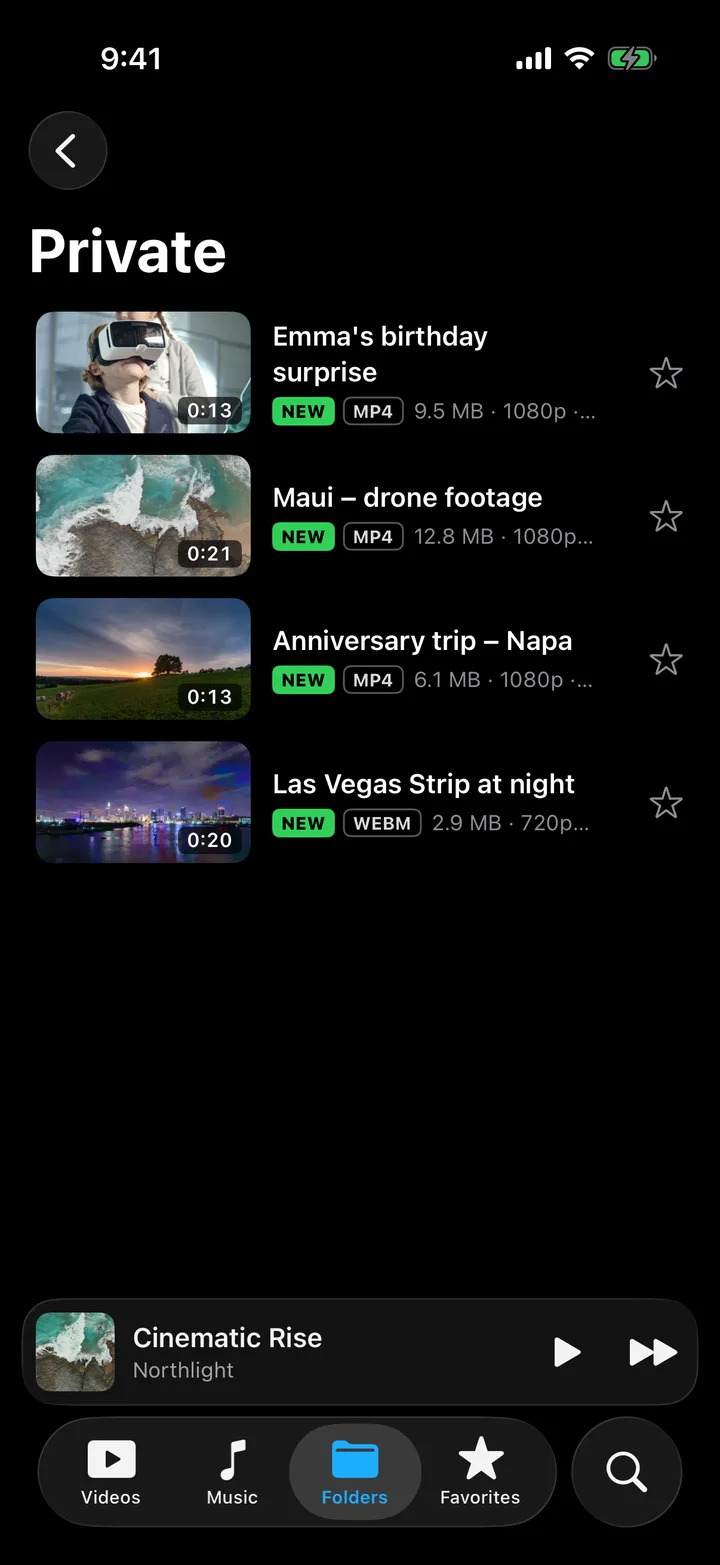
Keep some videos to yourself.
A private folder only you can open
Move videos in with a long-press. They stay out of your library and open only with Face ID or your passcode.
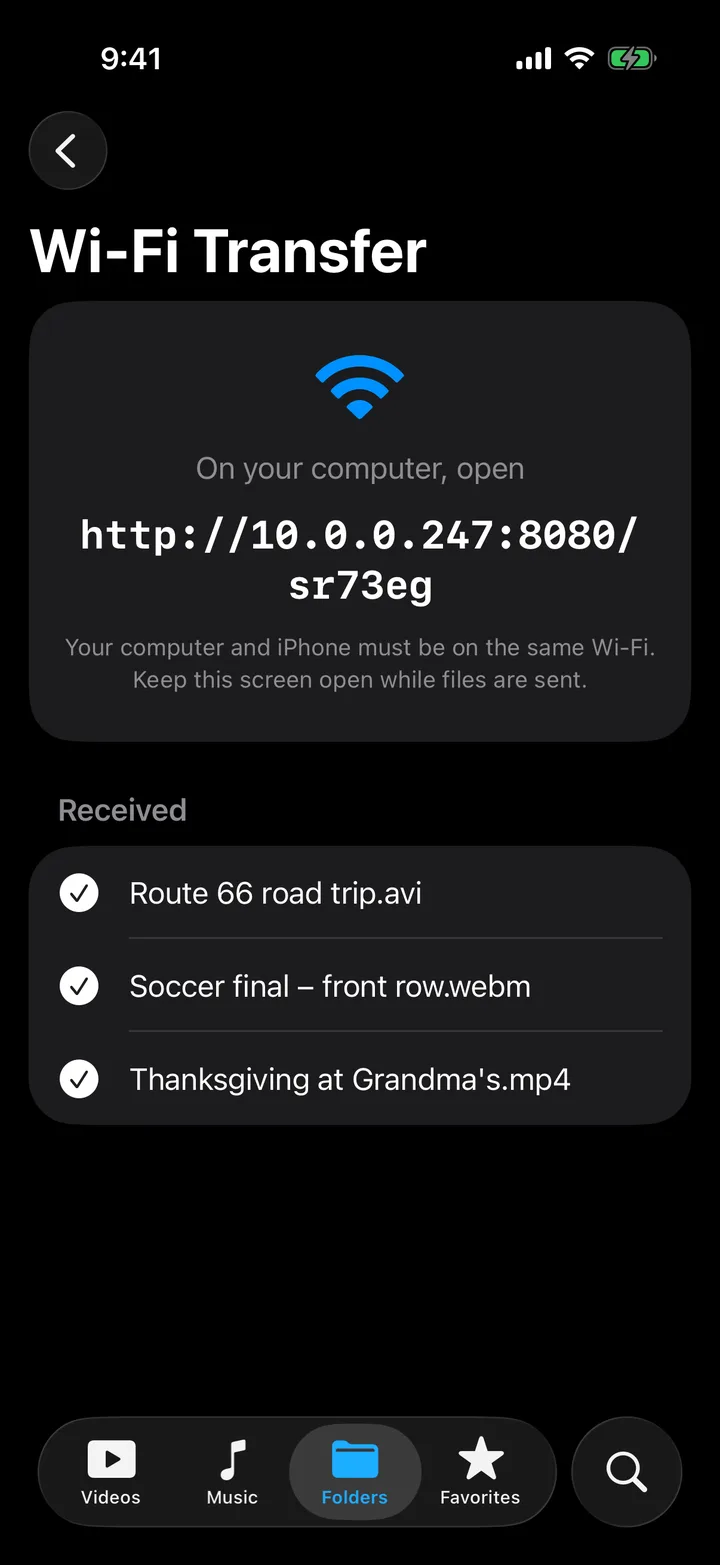
Send files from your computer over Wi-Fi
Open the address shown in the app in any browser on your computer and drop files in. No cable, no app to install.
Your videos never leave your iPhone.
No sign-up, no servers, no analytics. Apple's privacy label for Fern Player reads "Data Not Collected".
Questions
Is Fern Player really free?
Yes. There are no ads, no in-app purchases and no subscription. Every feature on this page is in the free app.
Which formats does it play?
Video: MKV, AVI, WebM, MP4, MOV, M4V, WMV, FLV, 3GP and more. Audio: FLAC, MP3, M4A, AAC, OGG and WAV. Subtitles: SRT and VTT, plus the tracks inside MKV files.
How do I get videos onto my iPhone?
Videos in Photos show up on their own. For anything else, save it to the Files app (iCloud Drive or On My iPhone) and add that folder in Fern Player, or send it from your computer with Wi-Fi Transfer.
Does it need the internet?
No. Fern Player works in airplane mode. Wi-Fi Transfer uses your home Wi-Fi network but never the internet.
Does it work on iPad?
Version 1.0 is made for iPhone with iOS 18 or later. It also runs on iPad in iPhone mode.
A file won't play. What now?
Tell us. The support page lists quick fixes and how to send us the file details. We read every message.